How I Built a macOS App for Browsing Fujifilm Recipes
I love looking at photographs. The settings that make them are half the story.
I love looking at photographs. Noticing an excellent one is a small, fulfilling joy for me. It’s an unconscious action caused by any detail: color, geometry, framing, action, minimalism, story, you name it.
After I am hooked, I try to figure out why that came about. What was it: some technique, some perspective? I’ll run through a mental list of rules to see which boxes can be checked.
Towards the end of my brief analysis, I always try to guess the focal length, aperture, and shutter speed. I love it when a photographer includes this information for me. Doesn’t matter if I guess first, or peek right away, reading that little piece of information is like a satisfying click of a final puzzle piece. It’s probably why I’m still on Flickr.
On Reddit I am a member (but never a poster) of several Fujifilm subreddits. There are quite a few talented folks sharing their work in these communities. Sometimes I’ve seen them add borders with the exif data — an aesthetically pleasing touch that sates my curiosity.
Obsessively, I sought these borders out for my own use. I wanted to start a collection with them, cataloguing my favorite images with a technical stamp. However, I was disappointed that most of the products were mobile apps or required subscriptions. Further, these products sometimes included elements that I could do without. I sought a minimal design with a simple workflow. But I soon learned that we sometimes mistake finish lines for checkpoints.
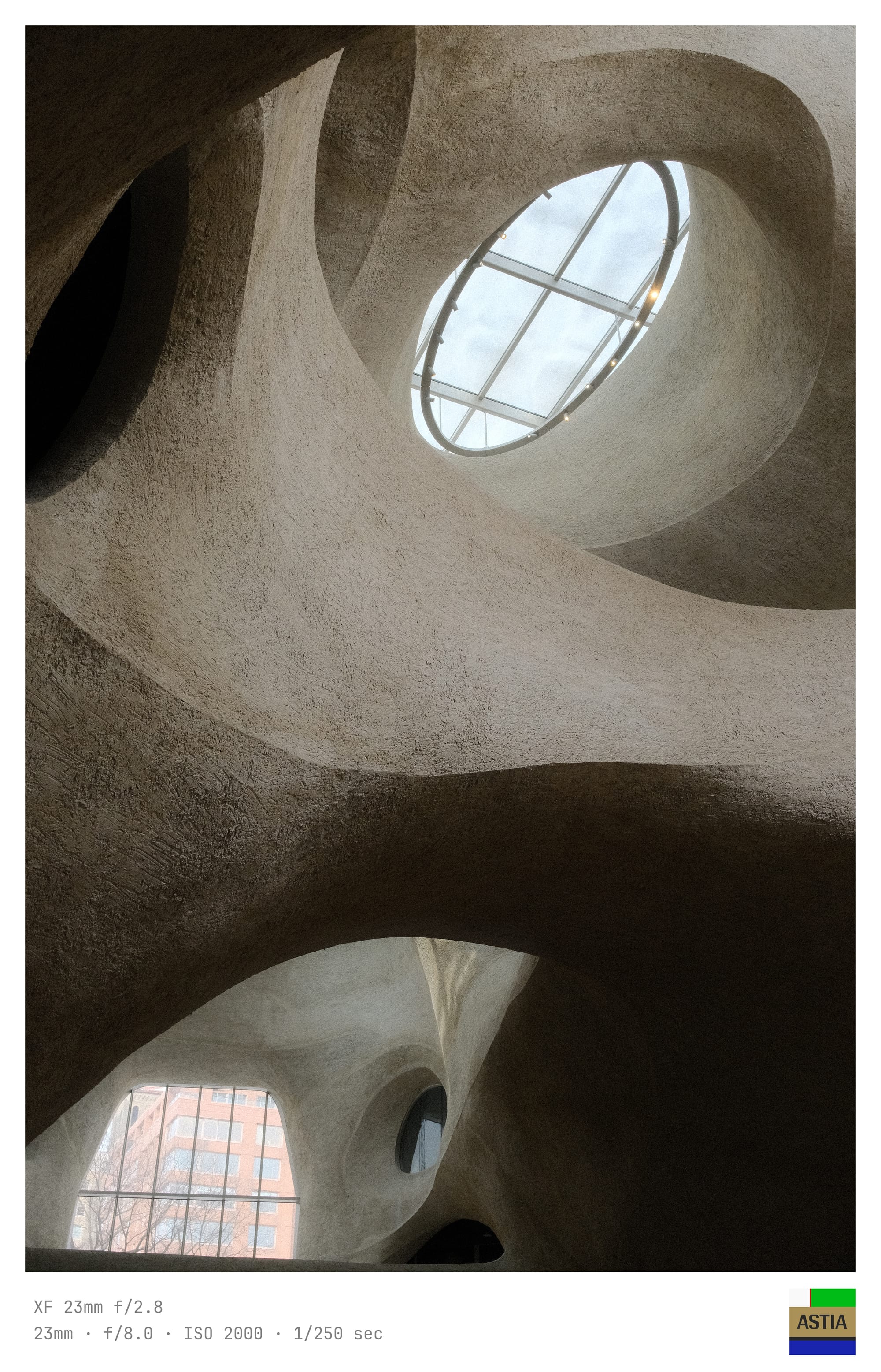
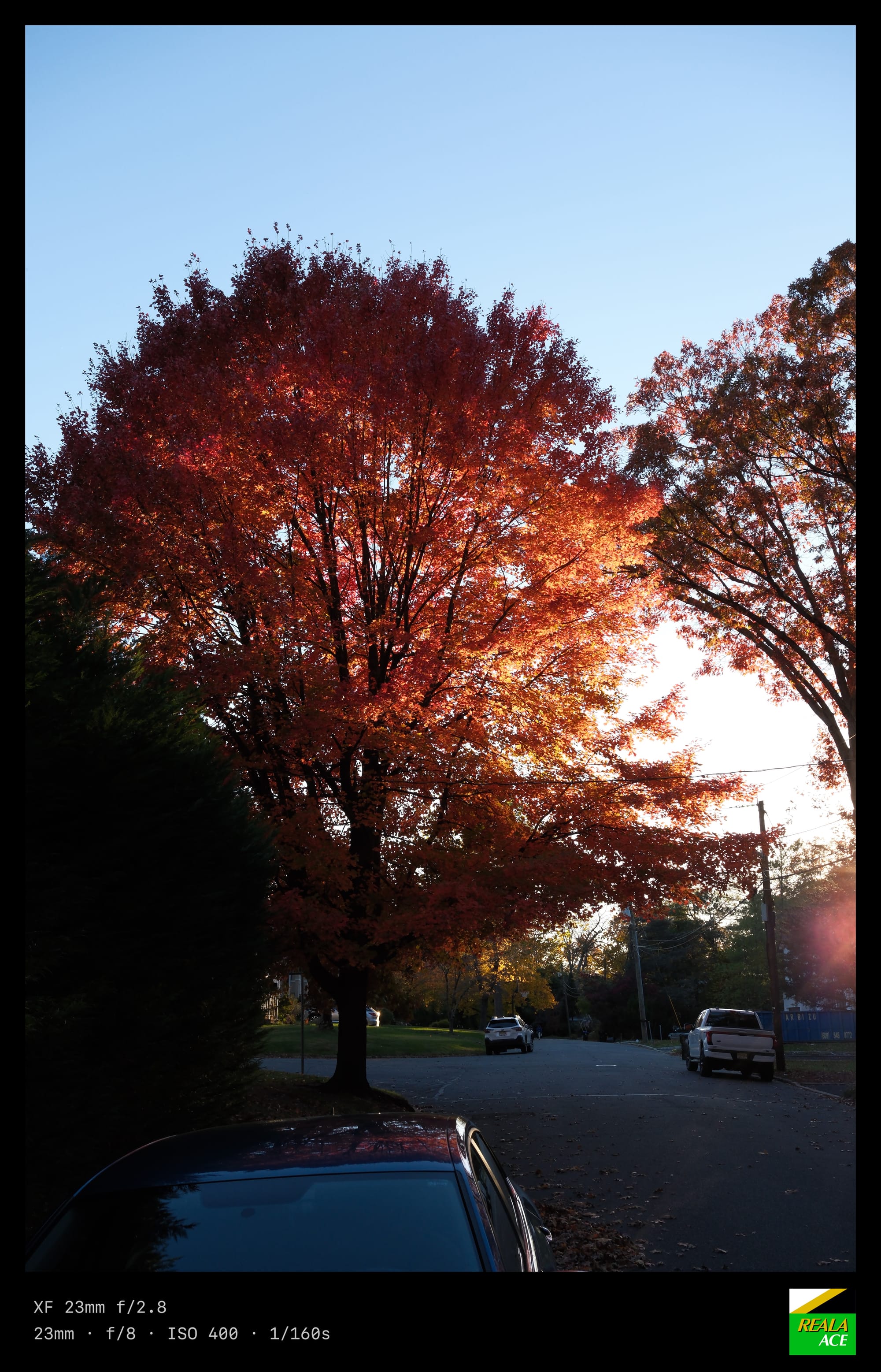
My internet searches had me stumble upon photoborder by Steve Quinn, a python CLI tool for adding borders to images with nice exif data. Bonus: it included an optional color palette, which I think can add a nice aesthetic in some cases. I had myself a collection and I was at peace with the world. The tool did everything I expected of it. So the big question for myself was: why am I feeling restless about it?
I forked the codebase and began experimenting with Claude. My experience with AI is quite collaborative. It spins a tight feedback loop: soon as I ideate, build, and test, another idea comes my way. After some iterating I thought, "what if I added a film simulation logo?"
I started by gathering the film simulation images. Next, I prompted Claude to add these to the border. That was the easy part. The difficulty came fast as I spent hours tweaking and fine-tuning the layout to be something passable. Time would have been better spent learning the codebase and doing it myself. Eventually, through precise specificity, it fell into place.
During this endless tweaking, I also settled on the following: a nice mono font, simplified argument options, and a refined layout. I ran the program and the frame suddenly "popped" for me. But, still... I was not satisfied.
The python script was fun to use and my frame vision was met, but I realized my second finish line was just another checkpoint. Adding borders was nice but I wanted to be able to browse photos while looking at the metadata. In the current workflow, I had to run the program every time to see the output. How exhausting!
I had also been wanting a fun way to collect recipes and use them to organize my JPGs. I often have trouble remembering which recipe I used when shooting, due to Fuji's weird implementation of recipes. I'll spare you this gripe.
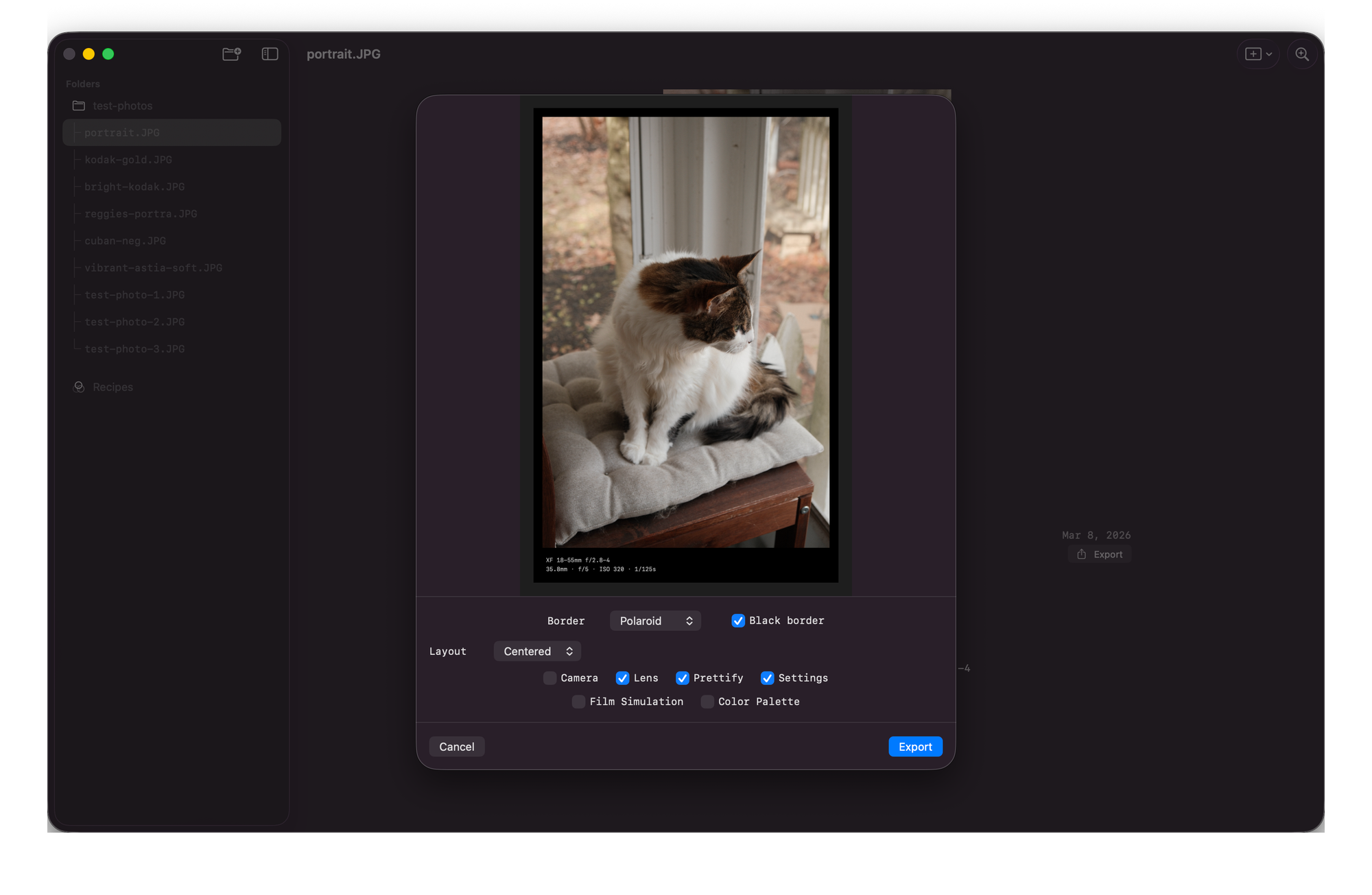
Finally, I realized I wanted to tweak my border on demand. A border editor for customizing metadata, layout, palette, and film simulation in a live editor. Much preferred to memorizing command line arguments like a forgetful wizard and his incantations. I'll read from the scroll, thank you very much.
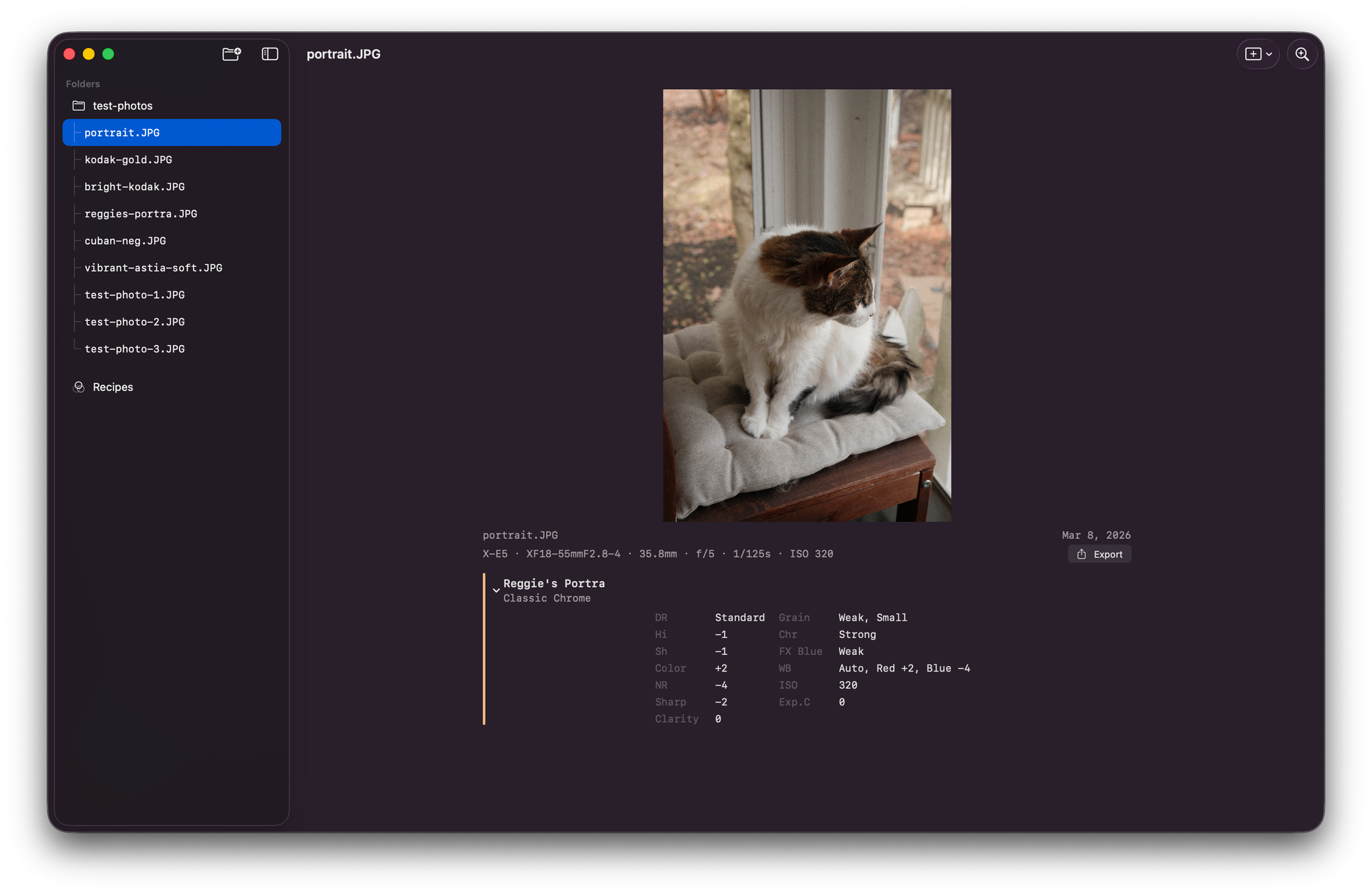
I fired up a new repository and instructed Claude to base this new project off of my existing work. Using Claude, I orchestrated a macOS app in Swift / SwiftUI that leveraged the groundwork from the python script.
The feedback loop on SwiftUI is so much tighter than Python and pillow. It is quite difficult to make a passable visual experience from the command line. With SwiftUI, the process is very enjoyable. Orchestrate Claude to write some code then jump into Xcode to tweak. Rinse and repeat.
I spent 2 or 3 hours in this flow: orchestrating, writing, testing, and thinking. Building gallery view, detail view, sidebar navigation, recipe editor, recipe comparison, batch scanning, border, color palettes, film sim overlays, settings.
At the end of the session, once more, I felt the satisfying click. I had a tool that was minimal but expressive. It contains the core requirements that I first sought and some cool add-ons along the way. I generated a few exports and started my collection. I took a screenshot and shared it with my friends. Satisfied, I closed my laptop.
And then I opened it, again.
The technical settings of a photograph are immutable. Code is not. It's the difference between checkpoints and finish lines.